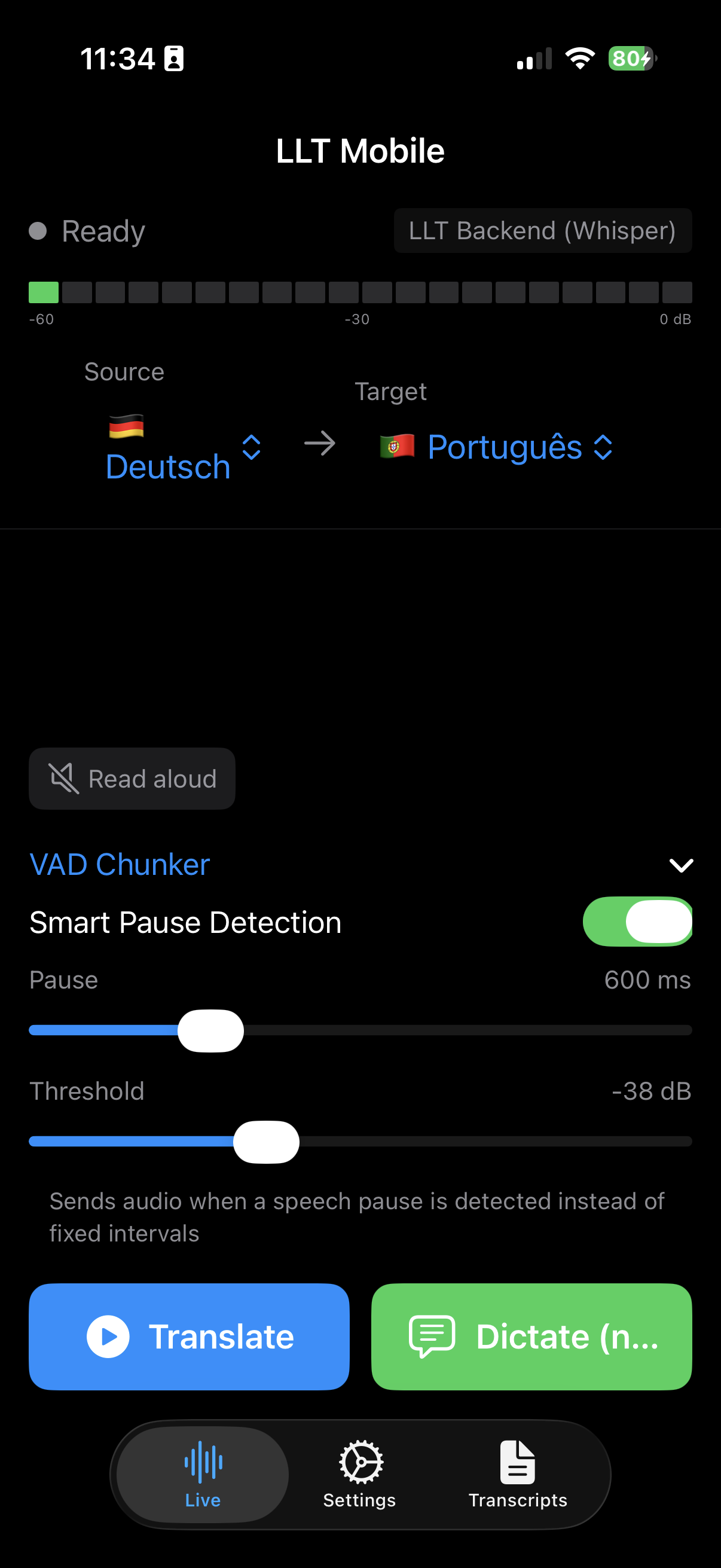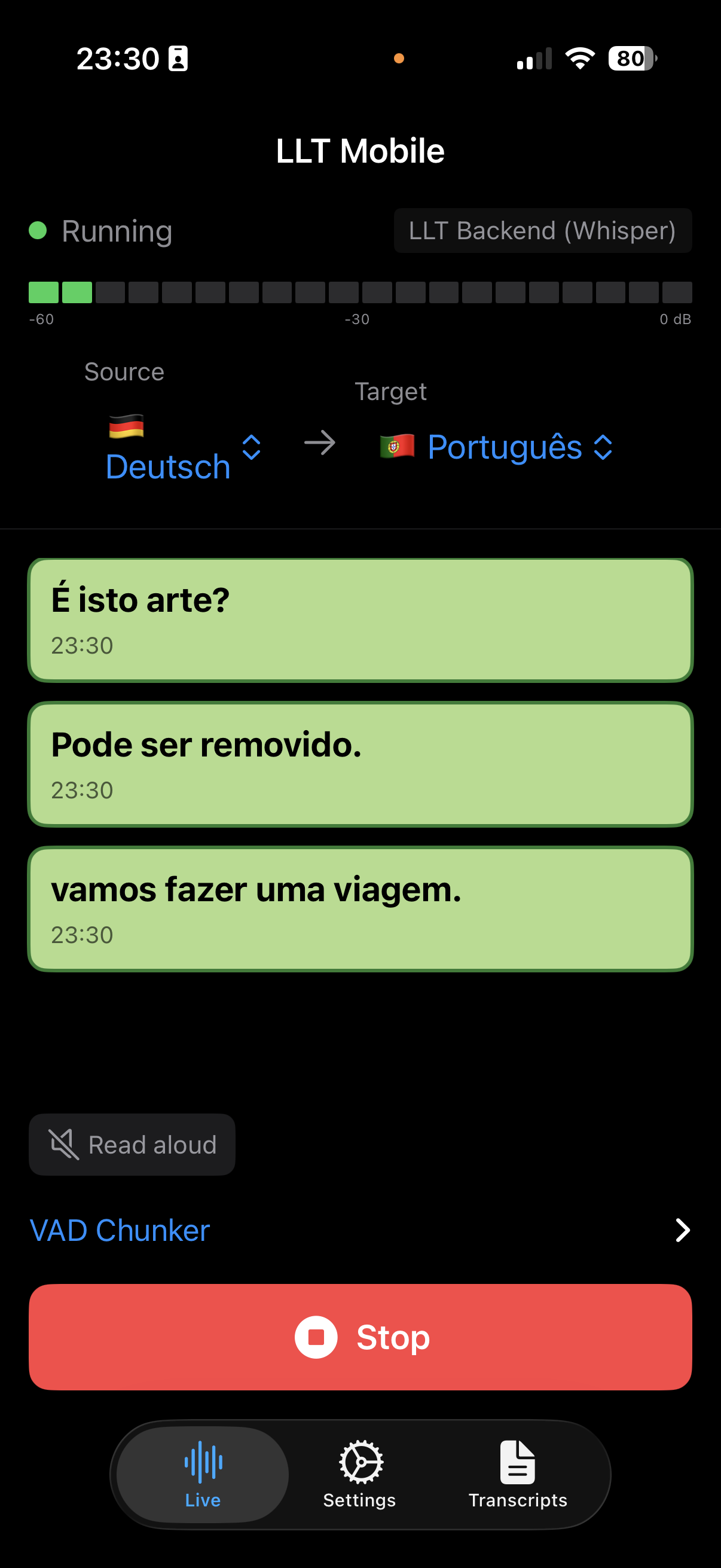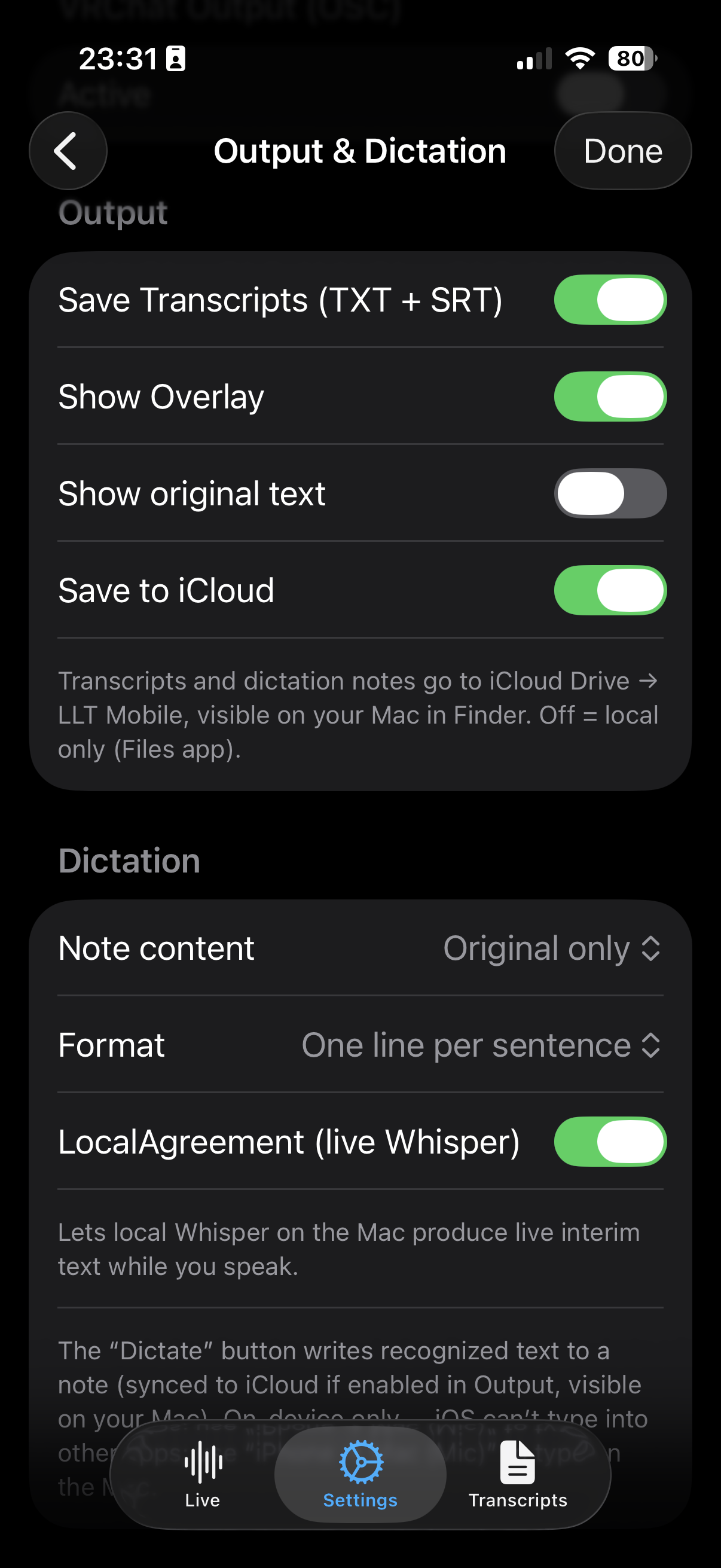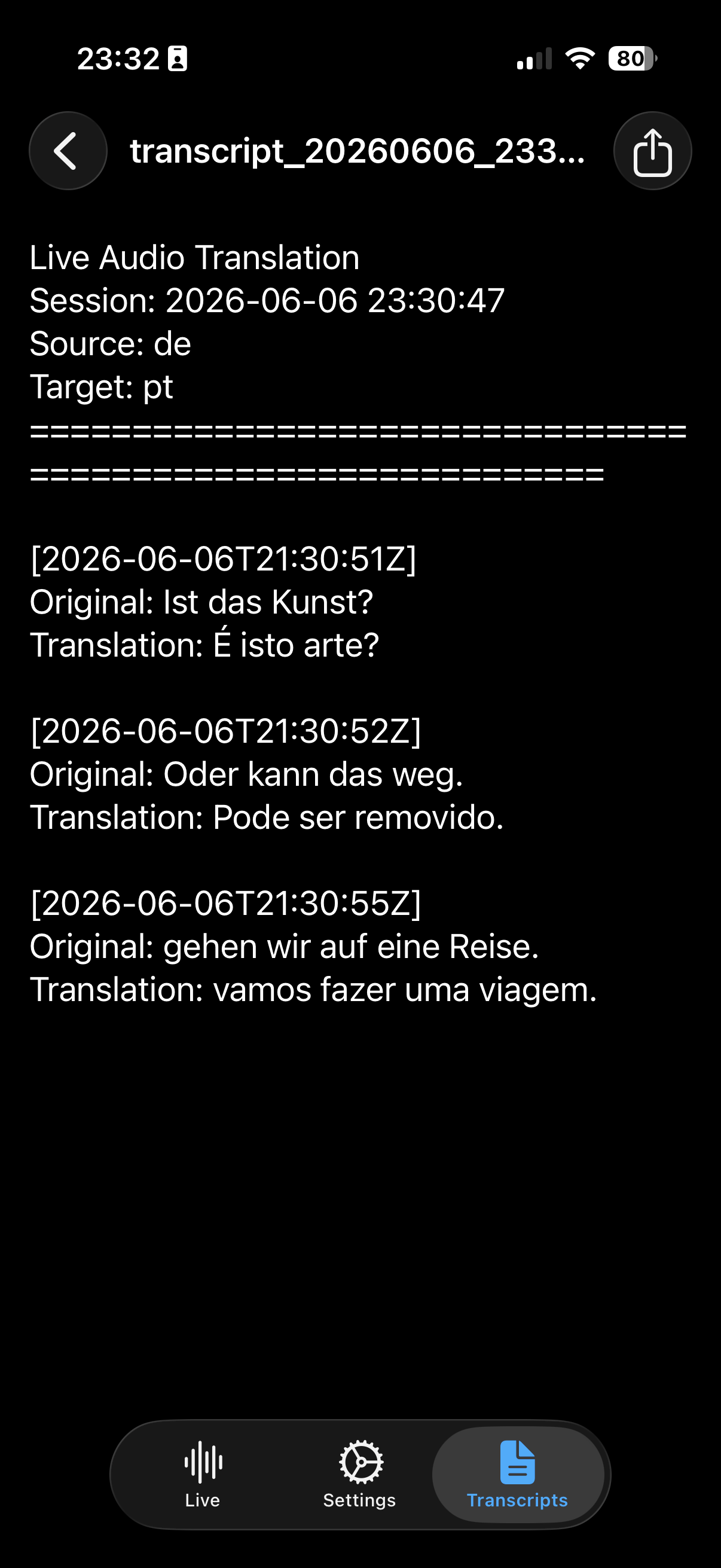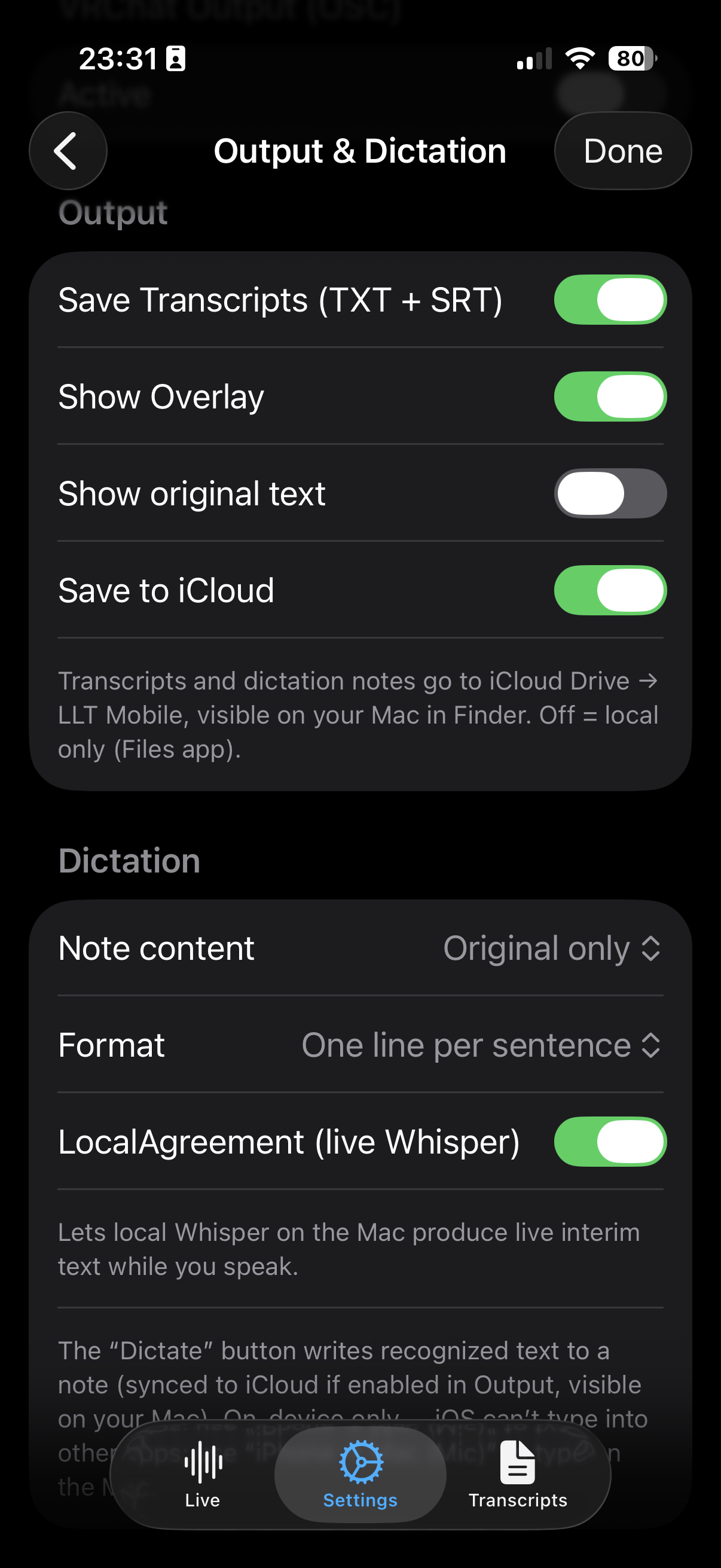
Speak → Transcribe → Translate → Speak back. LLT Mobile is the iOS companion to LLT Desktop — free when paired with your own Mac running LLT Backend, and four cloud engines a one-time IAP away. 40+ languages, transcripts, vMix output, zero subscriptions.
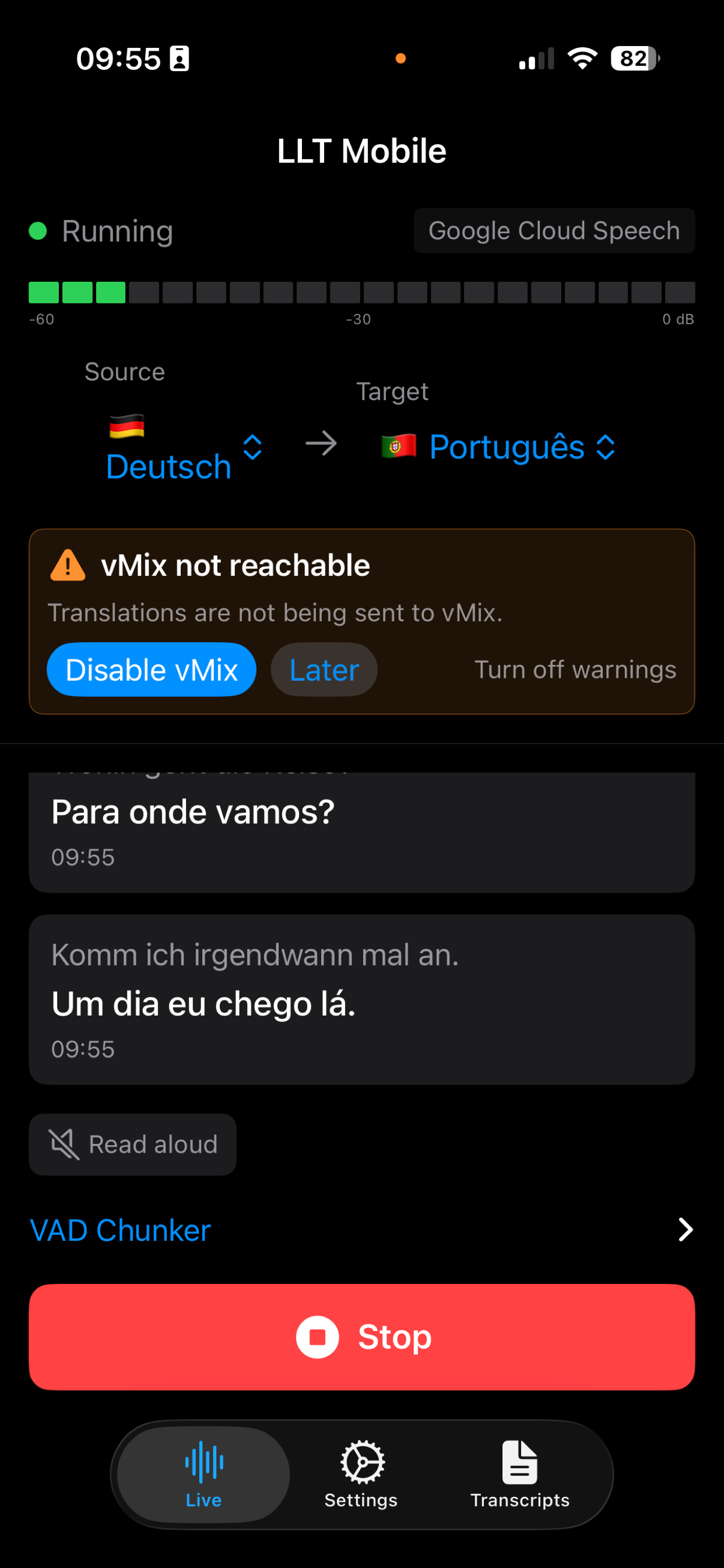
Speech-to-text in 40+ languages. Automatic punctuation, smart pause detection, VAD chunking.
Instant translation between any source and target language. Pick your engine, pick your pair.
On-device iOS speech synthesis reads the translation aloud — intended for headphones to avoid feedback.
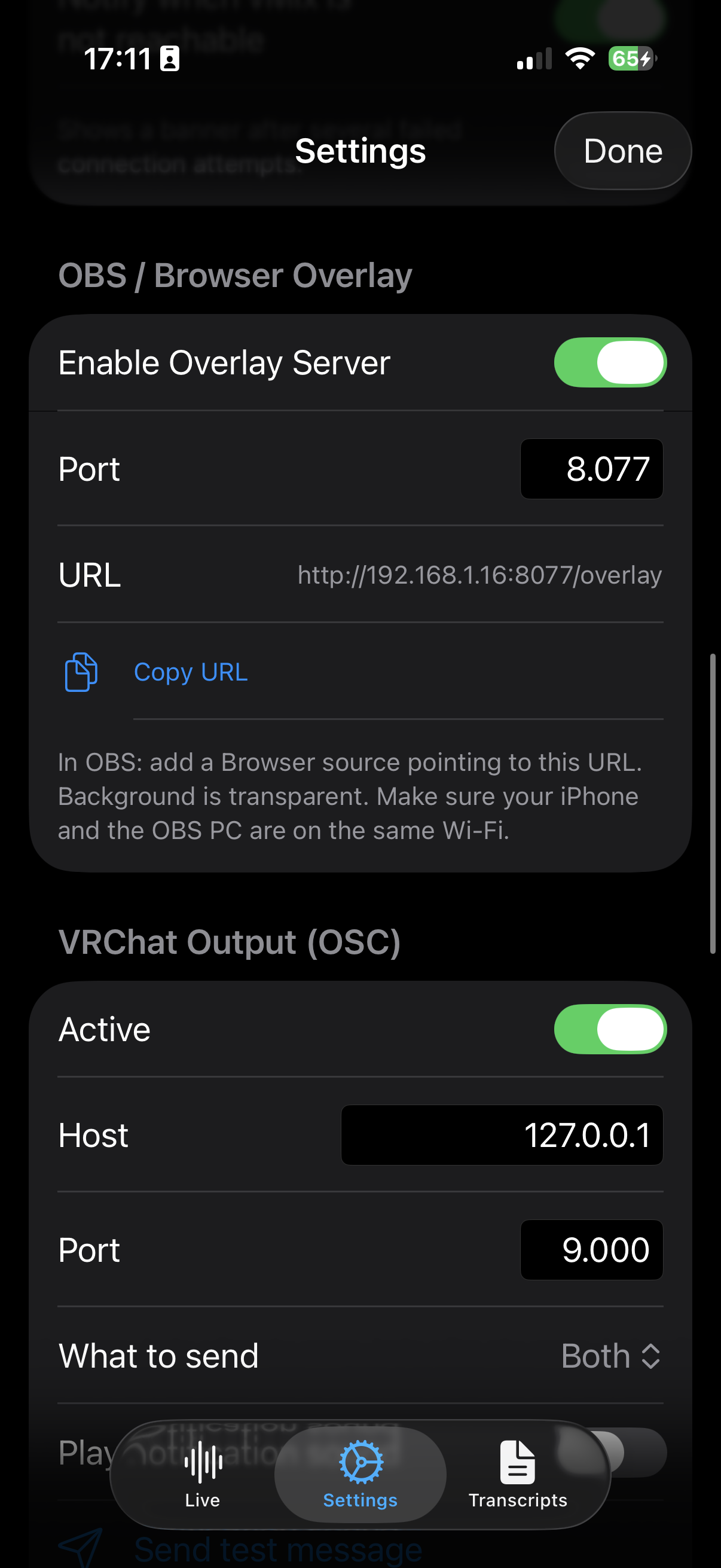
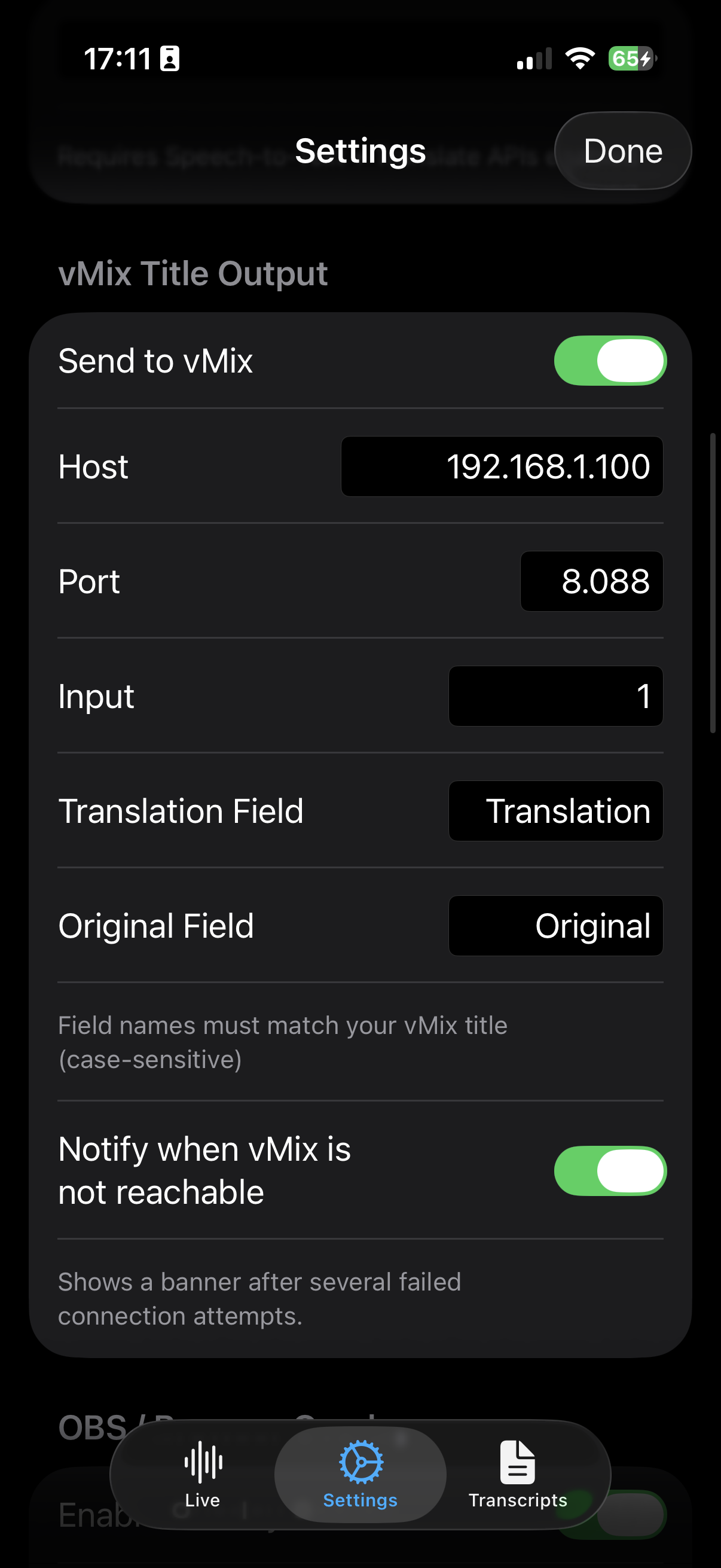
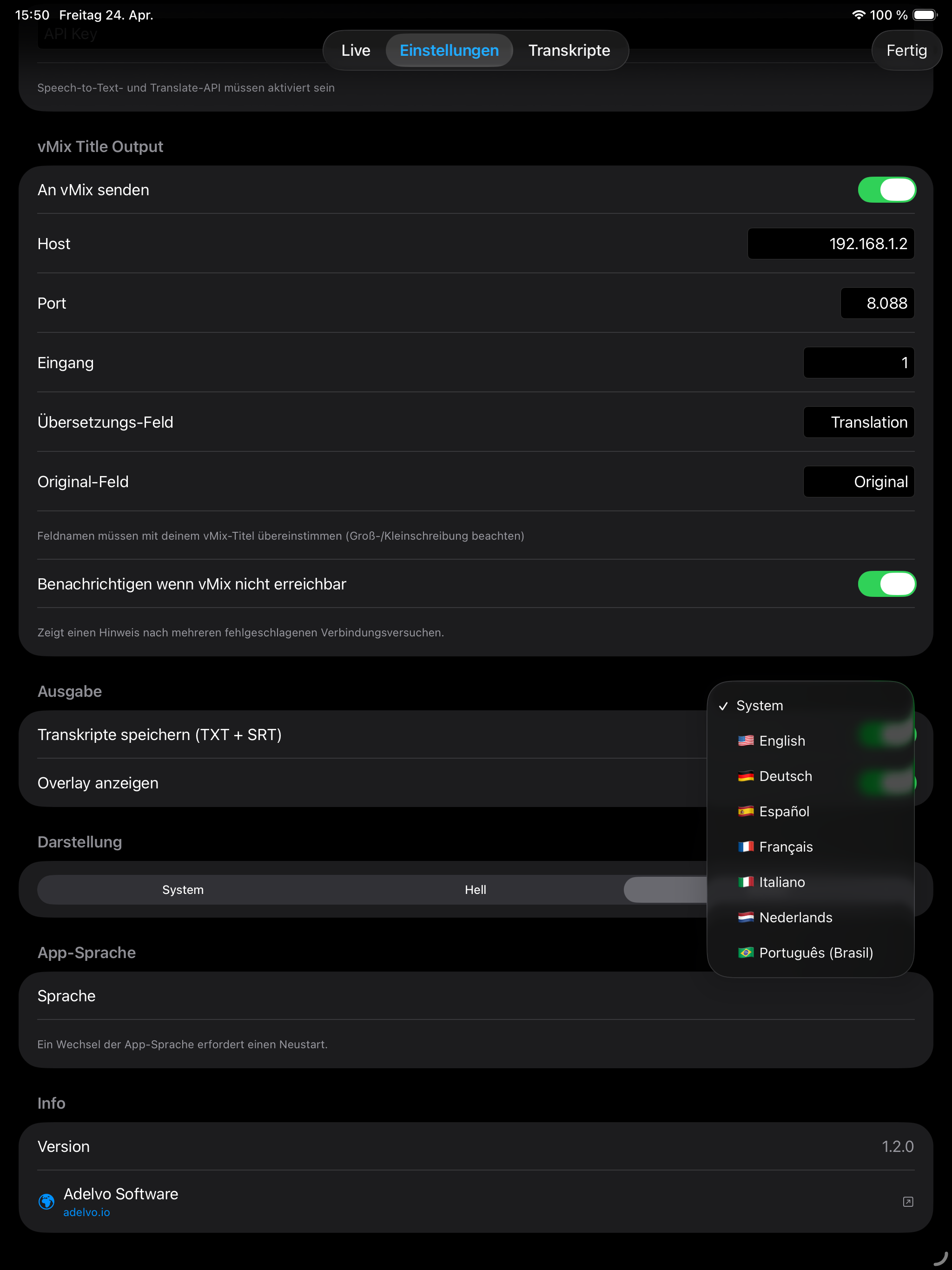
Send captions to vMix title inputs over local Wi-Fi. Your iPhone becomes the translation appliance.
Audio stays on your device, streams to your chosen engine (your Mac or a cloud provider you authorized), and comes back as text and optional speech — all in real time.
iOS microphone · VAD chunking · background-audio aware
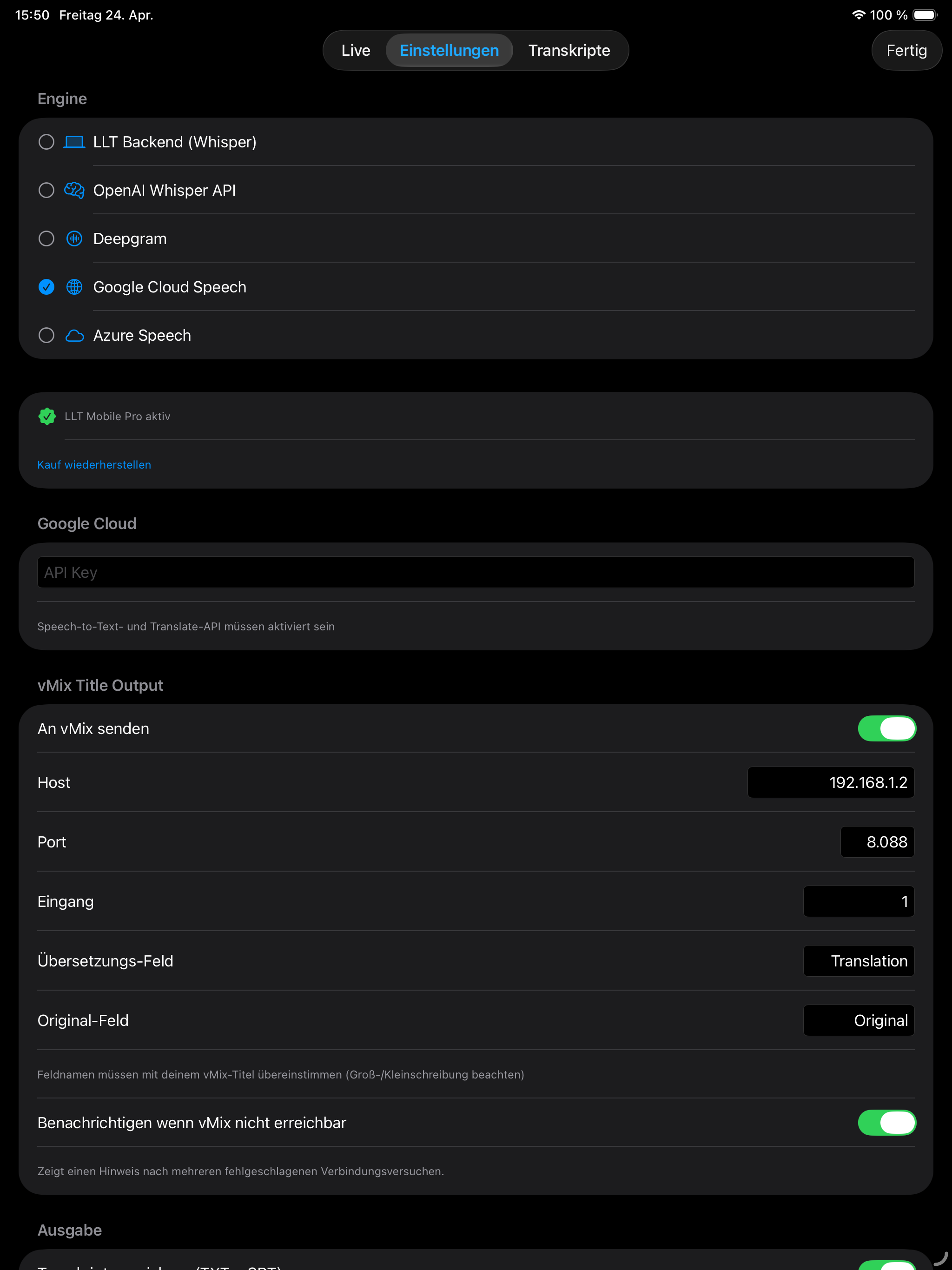
Whisper (local via your Mac) · Deepgram · OpenAI · Google · Azure
Mistral on your Mac, or engine-native translation for Google / Azure
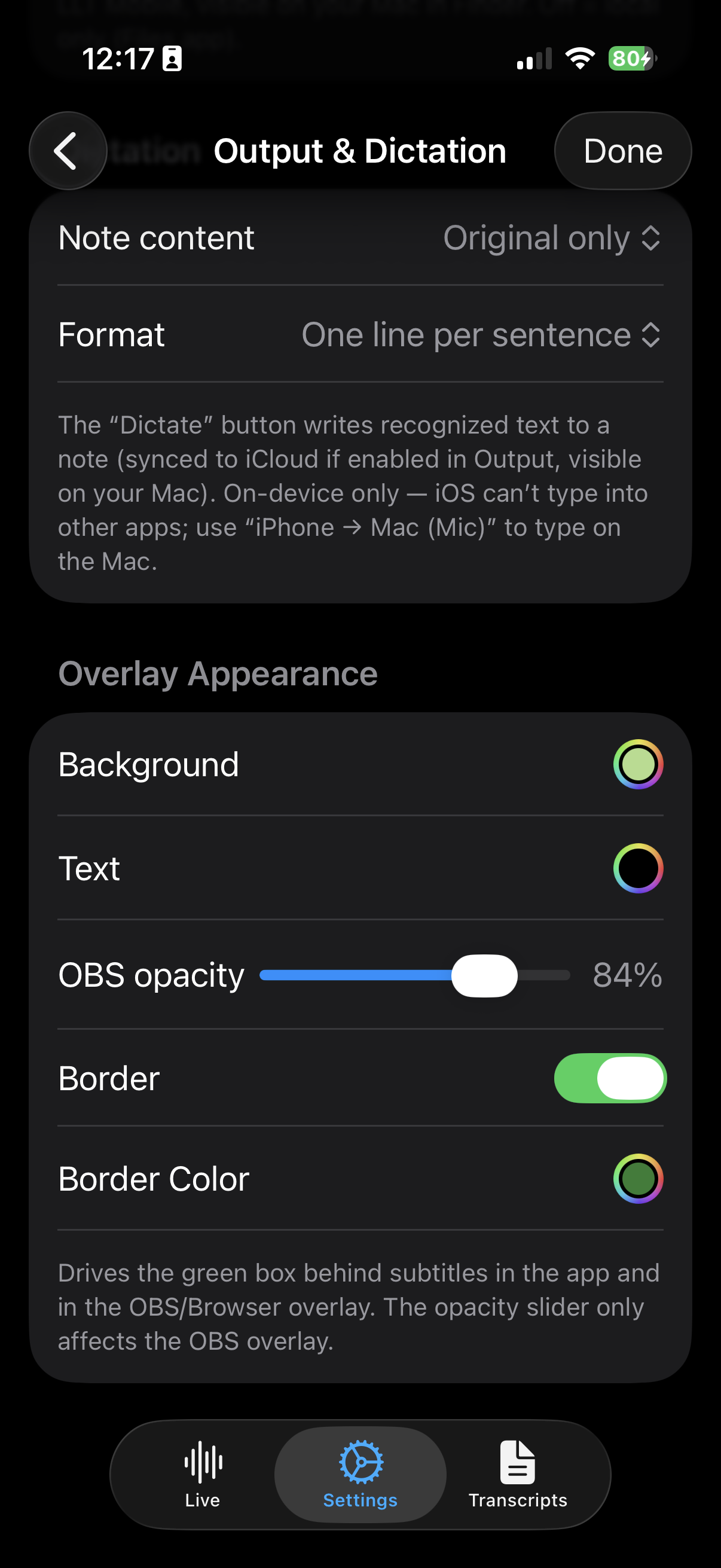
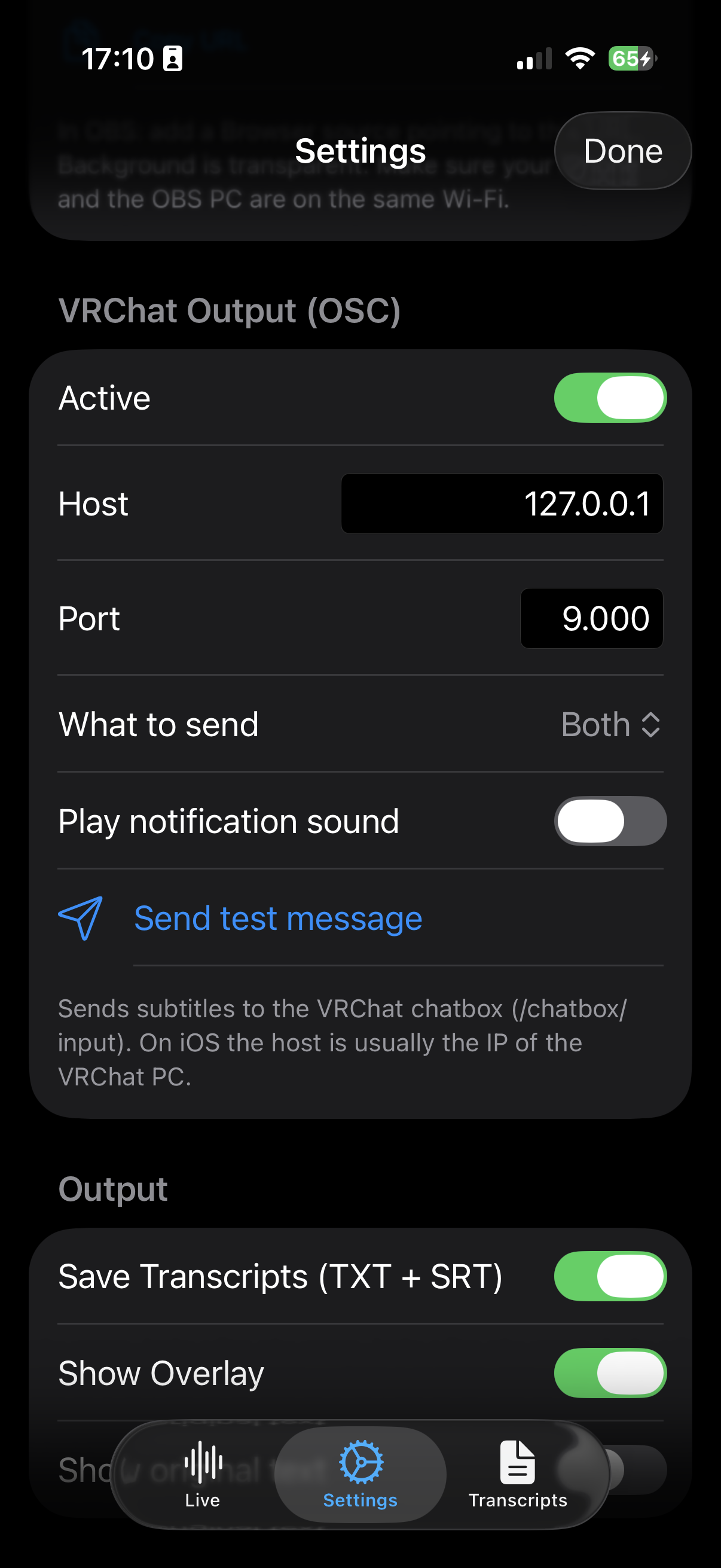
On-screen overlay · optional TTS · vMix title push
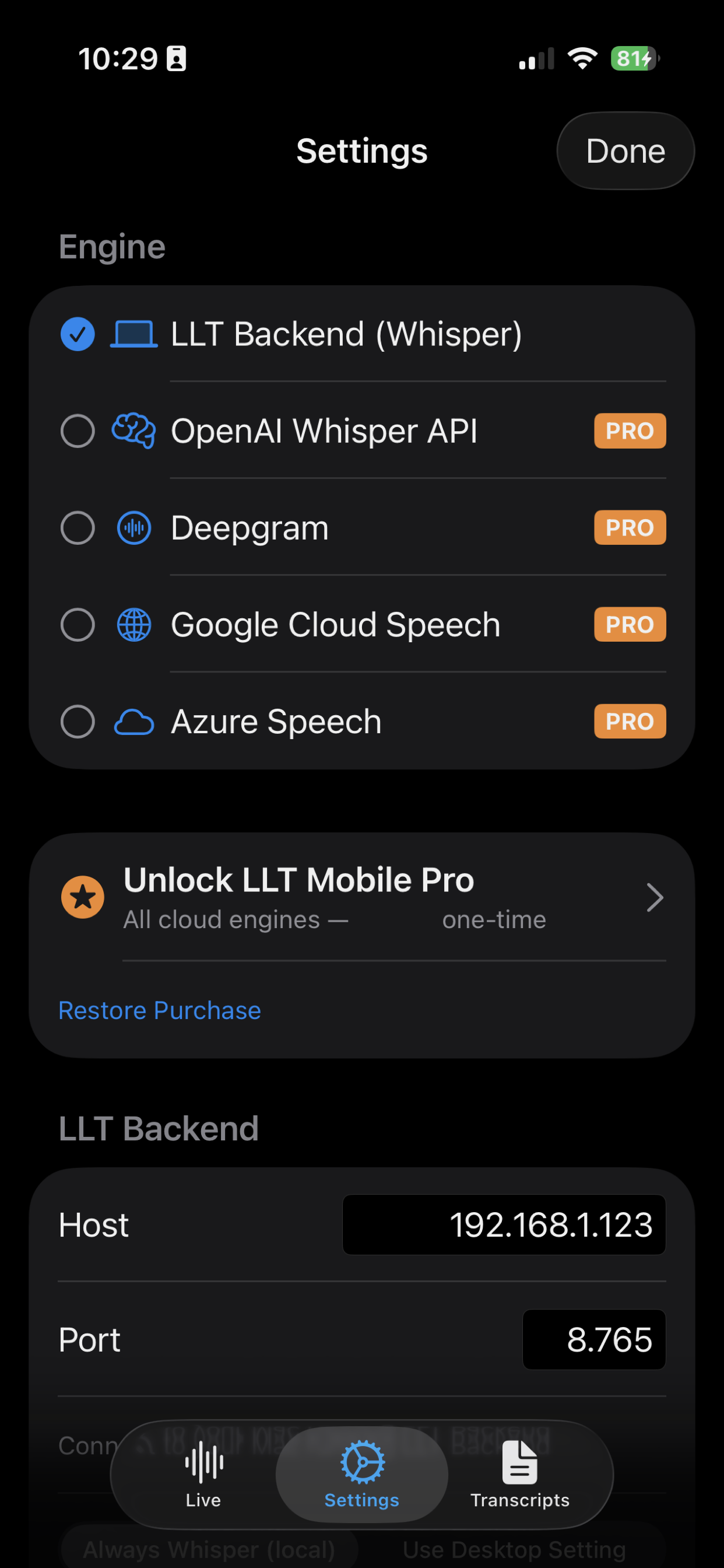
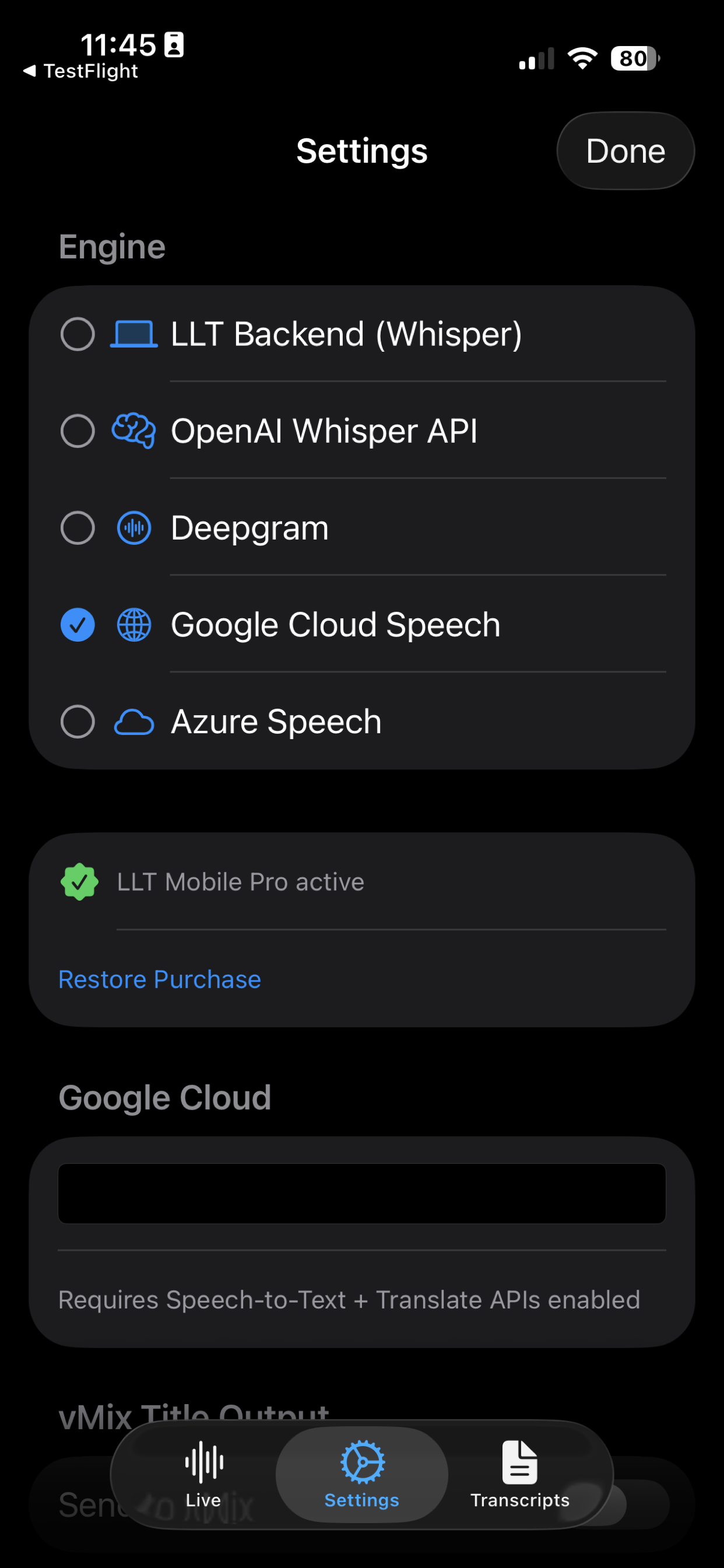
LLT Backend mode — talking to your own Mac running LLT Desktop — is always free. One in-app purchase unlocks the four direct cloud engines for when you don't have your Mac with you.
Pick LLT Backend for a fully private local pipeline. Pick any cloud engine when you need to work without your Mac. Your API key, your provider, your data — never routed through Adelvo.
| Engine | Runs on | Strength | Tier |
|---|---|---|---|
| LLT Backend | Your own Mac (local Wi-Fi) | Fully local · Whisper + Mistral · GDPR-compliant | FREE |
| OpenAI Whisper | OpenAI servers | Highest transcription quality | PRO |
| Deepgram | Deepgram servers | Fastest real-time streaming | PRO |
| Google Cloud Speech | Google servers | 125+ languages · built-in translation | PRO |
| Azure Speech | Microsoft servers | Enterprise-grade · built-in translation · low latency | PRO |
When you run LLT Backend on your own Mac, audio never leaves your Wi-Fi network. Perfect for schools, hospitals, law firms, government agencies, broadcasters, and anyone with strict data protection requirements. For the full data-flow breakdown, see the LLT Mobile privacy policy.
Dark interface that stays out of the way on stage. Light theme for daylight. Every screen does one job well.


Send translated captions straight to your vMix title inputs over local Wi-Fi. Broadcasters, streamers, and conference producers get real-time subtitles on screen without touching the main production computer.
One-time in-app purchase, not a subscription. Local pricing varies — set by Apple (Tier 13); see the App Store for your exact region. Free with LLT Desktop backend in local mode.
iOS 17.0 or later · iPhone or iPad · universal app optimized for both
Wi-Fi for LLT Backend or cloud engines · local-only LAN is fine for backend mode
A Mac (Apple Silicon or any machine with NVIDIA GPU) running LLT Desktop. For Pro, just your own cloud API key.
LLT Mobile belongs to the LLT family alongside LLT Desktop. The other Adelvo tools live next door.
The main app. On-device LLM translation with Whisper + Mistral on Apple Silicon. Runs the backend Mobile connects to.
Professional rundown & control software for vMix live productions. Windows + macOS.
Professional audio routing for macOS — apps, mic, webcam, and line-in to multiple outputs.
Audio compressor for browser tabs — fixes volume differences on social media and video pages.
Free with your Mac. Cloud engines one IAP away. No subscription.